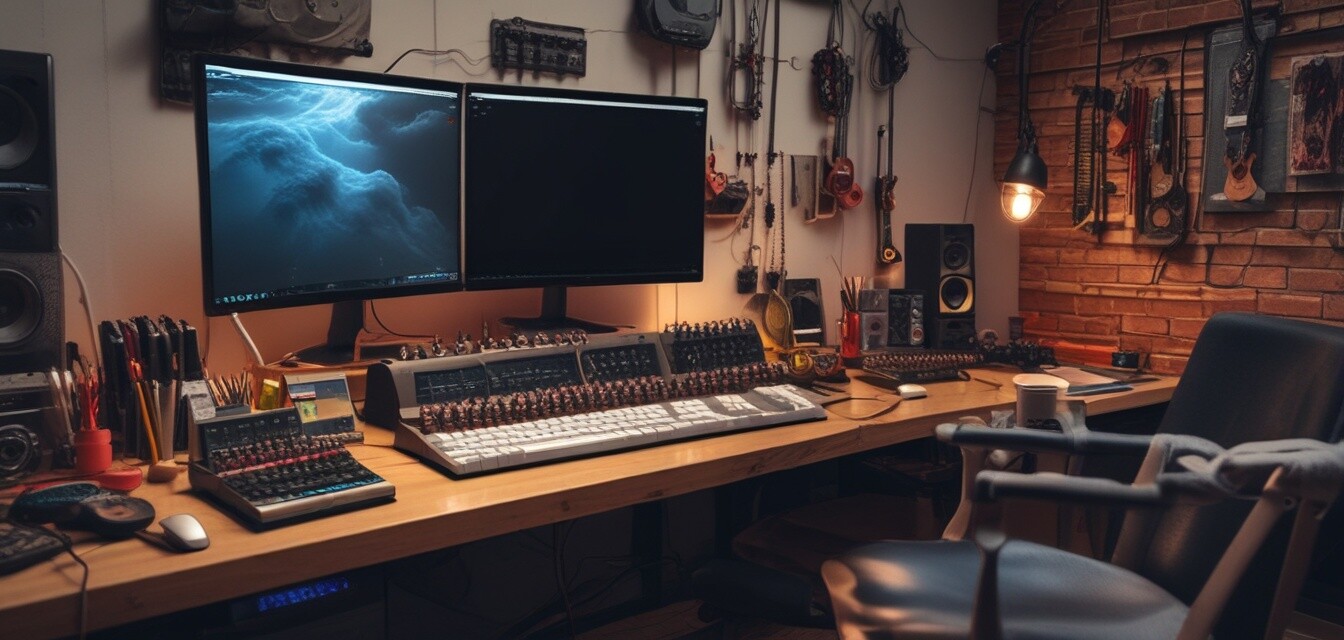
Organizing cables for a functional studio space
Key Takeaways
- Cable management is essential for maintaining a productive studio environment.
- Choose the right cable organizer based on your specific creative needs.
- Regularly assess and maintain your cable organization system for optimal functionality.
- Implementing simple techniques can greatly improve your workflow and focus.
In every creative studio—be it for photography, art, or music production—cables can quickly become an overwhelming nuisance. A cluttered workspace not only hinders creativity but also impacts your productivity and overall project flow. In this article, we'll discuss practical tips for managing cables in your studio space, enabling you to maintain a clean, organized, and functional environment.
Understanding the cable clutter problem
Cable clutter can arise for a number of reasons:
- Multiple devices requiring power and connectivity
- Inconsistent organization methods
- Frequent equipment changes or additions
When cables are not managed properly, they can create physical obstacles and distractions, which may hinder your creative process. To overcome these challenges, an effective cable management system is crucial.
Types of cable organizers for your studio
Choosing the right tools to manage your cables depends not just on the types of cables you have but also on your specific studio activities. Here are some of the popular options:
| Type of Organizer | Description | Best For |
|---|---|---|
| Cable Clips & Holders | Small clips that secure cables to surfaces. | Keeping cables off the floor or desks. |
| Cable Organizer Boxes | Boxes that hide excess cable lengths and power strips. | Reducing visible clutter and hiding bulky items. |
| Cable Sleeves & Covers | Protective covers that bundle multiple cables. | Creating a clean aesthetic and reducing tangling. |
| Cable Ties & Straps | Flexible ties or straps to bundle cables together. | Organizing longer cables for easy storage. |
| Under-Desk Cable Trays | Trays mounted under desks to hold cables. | Eliminating visible clutter near workstations. |
| Weighted Cable Holders | Heavy holders that prevent cables from moving around. | Stable positioning of cables on desks. |
Actionable tips for cable management in your studio
The following tips can help you achieve a tidy and efficient workspace:
- Assess your cable needs: Determine which cables are essential for your work and which can be eliminated.
- Create a workspace map: Identify areas where equipment is used most frequently and plan cable placements accordingly.
- Use organizers effectively: Employ different types of organizers suited for various purposes, such as cable clips for routing and cable boxes for hiding clutter.
- Label everything: Using labels can simplify the reorganization process and make it easier to troubleshoot any issues.
- Routine maintenance: Set aside time regularly to check cable setups, ensuring they’re still functional and haven’t become disarrayed.
Setting up your studio in three steps
Let’s break down the organization process into three clear steps:
- Plan: Gather all your cables and devices. Identify which cables need to be connected and their required lengths.
- Organize: Use the suitable organizers based on the table above. Ensure everything is secure and accessible.
- Maintain: Check and update the cable management system to adapt to your changing studio needs.
Pros
- Enhanced productivity due to reduced distractions.
- Easier troubleshooting and access to cables.
- Improved safety to avoid tripping hazards.
Cons
- Initial effort required to set up an organization system.
- May require purchasing organizers to implement effectively.
Final thoughts on cable organization in creative studios
By adopting a strategic approach to cable management, you'll encourage a more productive and inspiring studio environment. Whether you are an artist, photographer, or musician, the right cable organization system can help streamline your work process and focus your creativity. Implement these tips and enjoy a clutter-free workspace that fosters innovation.
Further resources
Explore more about cable management with these helpful guides: