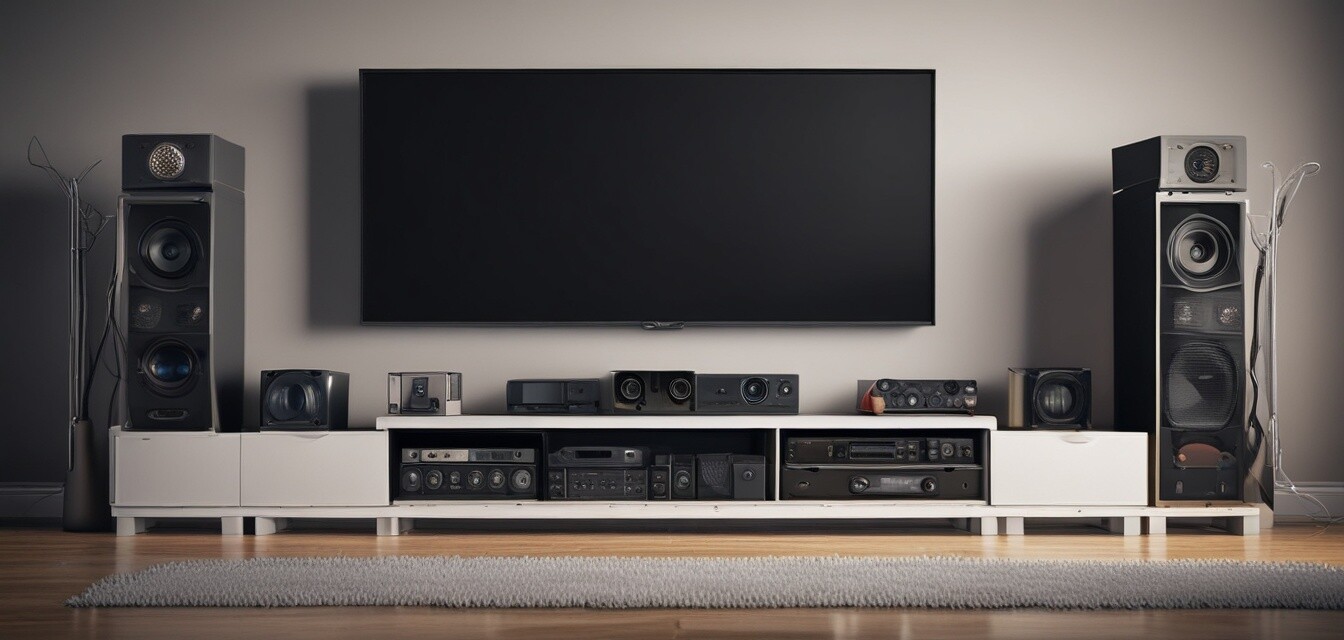
Tips for organizing cables around your TV area
- Choose the right cable management solutions that fit your TV area.
- Use cable sleeves and ties for a neat appearance.
- Plan your setup before installation to avoid clutter.
- Regularly check and maintain your cables.
In today’s world of home entertainment, having a neat and organized TV area is essential. A clutter-free space not only enhances the aesthetics of your home but also improves your overall viewing experience. With so many devices connected, cable management might seem like a daunting task, but it doesn’t have to be. In this article, we'll explore several practical tips to help you manage cables effectively around your TV area, ensuring everything is neat and functional.
1. Assess your cable situation
Before diving into organization, take time to assess the types and lengths of cables you have. This initial step is crucial as it helps you determine which cable management solutions will best suit your needs. Consider the following:
- Types of devices connected (TV, sound system, gaming consoles, etc.)
- Number of cables for each device
- Length of cables (short, medium, long)
2. Choose the right cable management solutions
Based on your assessment, you'll want to explore different types of organizers. Here’s a quick overview:
| Type of Organizer | Description | Best For |
|---|---|---|
| Cable Clips & Holders | Small clips that attach to surfaces, holding cables in place. | Organizing cables on desks or walls. |
| Cable Sleeves & Covers | Flexible sleeves that bundle multiple cables together. | Maintaining a clean look for several cables. |
| Cable Ties & Straps | Reusable ties that group cables together. | Securing cables at the back of the entertainment center. |
3. Plan your cable layout
After selecting appropriate organizers, it's time to plan your cable layout. Lay out your devices in a way that minimizes the distance cables must travel. Consider these tips:
- Position device closer to power outlets.
- Route cables behind furniture to hide them from view.
- Avoid crossing cables to prevent tangled messes.
4. Use wall-mounted solutions
If you want to elevate your setup further, consider using wall-mounted cable channels. These can hide cables along the walls, keeping them organized and out of the way. Here are some benefits:
- Enhanced visual appeal
- Reduced risk of tripping hazards
- Easy access for maintenance
5. Regularly check and maintain your cables
Organizing cables is not a one-off task; it requires periodic check-ups to ensure everything remains in order. Here’s what you can do:
- Inspect for frayed edges or wear and tear.
- Reorganize cables if you add new devices.
- Clean up dust and debris that can accumulate around cords.
6. Invest in a cable management kit
If you prefer a one-stop solution, investing in a cable management kit can simplify the process. These kits often come with various tools and organizers to tackle all your cable clutter issues.
Conclusion
With these practical cable organization tips, you can create a tidy and efficient TV area that not only looks great but also enhances your overall entertainment experience. A well-organized cable space reduces distractions, prevents damage to cables, and contributes to a more enjoyable atmosphere. Don't forget to revisit and maintain your setup regularly!
Beginner tips for cable organization
- Start small. Focus on organizing cables for one device at a time.
- Label cables to keep track of what connects to which device.
- Be patient and take your time to find the perfect setup for your space.
Pros
- Improves aesthetics in your home entertainment area.
- Reduces risk of damage to cables.
- Makes it easier to clean and maintain your devices.
Cons
- Initial setup can be time-consuming.
- May require additional purchases for organizational tools.
- Frequent changes to devices can complicate management.
For even more organization tips, check out our Practical Tips section where we offer more actionable advice!