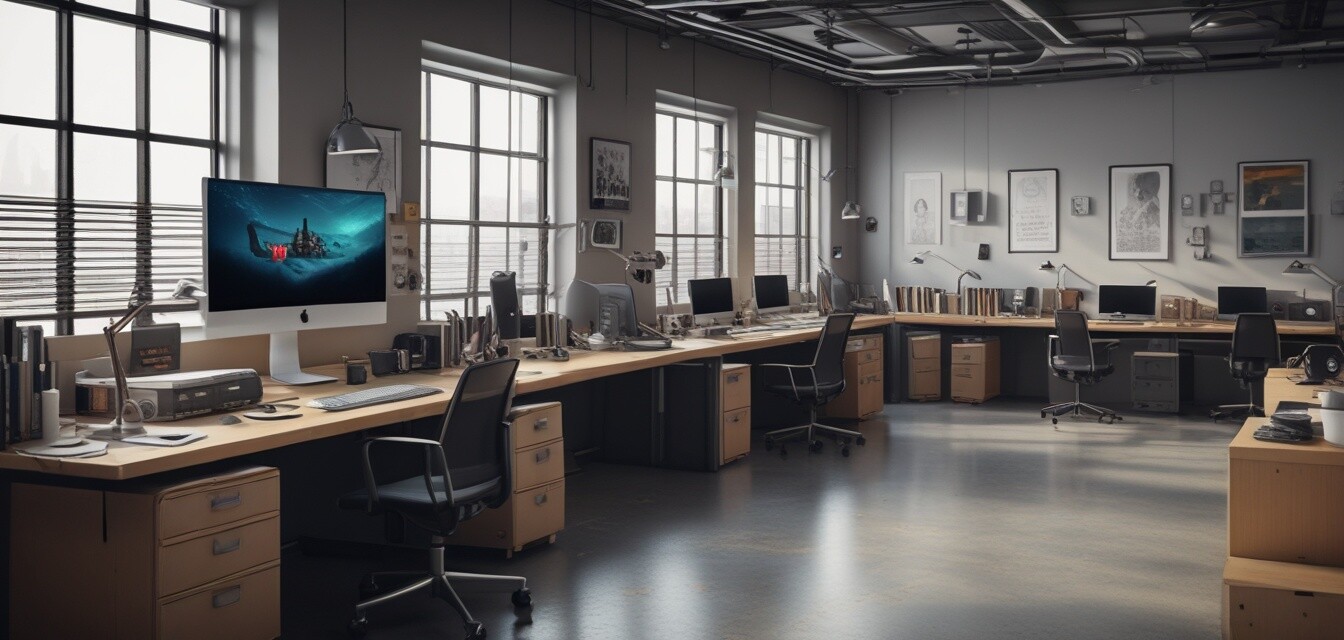
Creating cable management zones in open spaces
Key Takeaways
- Designate specific areas for cable management to enhance organization.
- Implement various cable management tools for effective clutter control.
- Regularly maintain and adjust cable zones for maximum efficiency.
- Create a team approach to cable management in shared spaces.
- Adopting a tidy desk mindset can significantly increase productivity.
In today's open office environments, cable clutter can quickly become a significant distraction. With a variety of devices at your desk, organizing cables can seem like a daunting task. However, creating designated cable management zones can not only enhance your workspace's aesthetic but can also lead to increased productivity and reduced stress. In this guide, we will offer practical tips to set up these zones effectively.
Why cable management zones matter
Cable management zones play a crucial role in creating a clutter-free work environment. When cables are organized, it simplifies maintenance, reduces the risk of accidents, and fosters a more professional appearance. Here are some reasons why establishing these zones is essential:
- Improved Safety: Properly organized cables reduce tripping hazards.
- Enhanced Productivity: A tidy workspace helps you focus better on tasks.
- Reduced Stress: An organized environment minimizes distractions.
- Professional Appearance: Neat cables present a more polished look to clients and colleagues.
How to create your cable management zones
1. Assess the workspace layout
The first step in creating cable management zones is to assess the layout of your workspace. Here are some points to consider:
| Area | Considerations |
|---|---|
| Desk Area | Ensure that all cords from devices are nearby and can reach outlets easily. |
| Common Areas | Evaluate high-traffic zones to determine where cables may create hazards. |
| Storage Locations | Identify areas for unused cables to prevent clutter. |
2. Designate specific zones
After assessing your workspace, it's time to create distinct zones for cable management. You can categorize these zones as:
- Device Zones: Areas around specific electronic devices like monitors, printers, or charging stations.
- Connection Zones: Points where cables connect to power outlets or switches.
- Storage Zones: Spaces for excess cables, including drawers and boxes.
3. Choose the right cable organizers
Implementing the appropriate tools can make a world of difference. Here are various tools you can utilize:
| Type of Organizer | Best For | Benefits |
|---|---|---|
| Cable Clips | Keeping cables attached to surfaces | Easy to install and relocate, effective for short cables |
| Cable Sleeves | Bundling multiple cables together | Protects cables and keeps them neat |
| Cable Boxes | Concealing power strips and excess cables | Provides a neat, finished look |
| Under-Desk Trays | Organizing cables below the desk | Keeps cables off the floor and within reach |
4. Color-code your cables
Using different colors for various cables can be incredibly effective. Here’s how you can implement this:
- Assign colors based on function (e.g., yellow for charging cables, red for data cables).
- Use colored sleeves or tags.
- This visual method helps quickly identify cables, especially in shared spaces.
5. Regular maintenance
It's not enough to set up cable management zones; regular maintenance is essential:
- Schedule Regular Check-ups: Monthly or quarterly assessments can keep your workspace tidy.
- Adjust As Necessary: Be flexible in your approach; shift cables as new devices or furniture are added.
- Involve Your Team: Create a culture where everyone participates in maintaining cable zones.
Conclusion
Creating designated cable management zones in open office spaces is not just beneficial for promoting an organized look; it is essential for enhancing productivity and safety. By thoughtfully assessing your workspace, selecting the right organizers, implementing color-coding, and maintaining your setup diligently, you can transform your office environment. Make these practices a part of your routine, and watch as your productivity flourishes.
Tips for maintaining your cable management zones
- Always label cables for easier identification.
- Consider using wireless options to reduce cable clutter.
- Be mindful of how cables crisscross, especially in shared spaces.
- Keep a spare set of organizers handy for future needs.
Pros
- Enhances safety by reducing tripping hazards.
- Promotes a professional aesthetic.
- Increases productivity by minimizing distractions.
- Encourages team collaboration in maintaining order.
Cons
- Initial setup may require time and resources.
- Constant maintenance needed to ensure effectiveness.
- May not be feasible in extremely crowded workspaces.
For more advice on keeping your workspace organized, check out our Practical Tips category. You can also explore different types of organizers like cable clips and holders, cable sleeves and covers, or under-desk cable trays to find what works best for your environment.