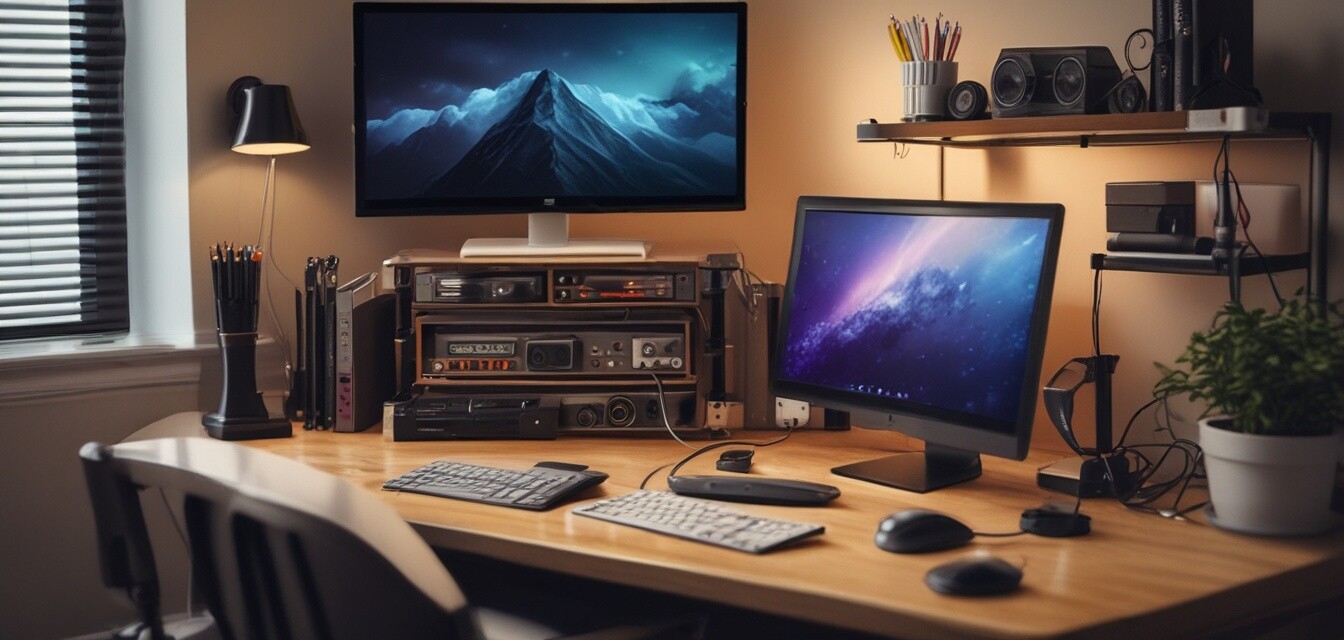
How to create a cable management checklist for your office
Key Takeaways
- A cable management checklist helps keep your workspace tidy and efficient.
- Assess your cables and tools before creating your checklist.
- Regular maintenance is key to long-term organization.
- Invest in quality cable organizers that suit your needs.
- Implementing these tips can enhance productivity and focus.
In the age of remote work, a cluttered workspace can be a significant distraction. One of the primary culprits of a messy home office is cable clutter. To tackle this problem effectively, having a comprehensive cable management checklist is paramount. This guide will walk you through the steps needed to create this checklist, helping you organize your cables and enhance your productivity.
Why is cable management important?
Effective cable management is crucial for several reasons:
- Reduces clutter and distractions.
- Prevents damage to cables and devices.
- Improves safety by minimizing tripping hazards.
- Enhances the overall aesthetic of your workspace.
Steps to create your checklist
Creating a cable management checklist is straightforward. Here’s how to start:
1. Assess your current situation
Conduct a thorough review of your current cable setup. Identify:
- Types of cables you have (power cords, HDMI, USB, etc.)
- Devices that require cord connections.
- The current state of the cords (are they tangled, damaged, etc.).
2. List cable management tools
Based on your assessment, make a list of cable clips and holders, cable organizer boxes, and other tools you may need. Here's a simple table to help you categorize these tools:
| Tool | Purpose |
|---|---|
| Cable Clips | To hold cables in place and prevent tangling. |
| Cable Sleeves | To bundle multiple cables together for a neat appearance. |
| Cable Boxes | To conceal power strips and excess cables for safety and aesthetics. |
| Cable Ties | For securing cables together or to furniture. |
3. Create a step-by-step organization plan
Now that you know what tools you'll need, outline how to implement them. Here’s a structured plan:
- Gather all cables and sort them based on device and purpose.
- Use cable clips for frequently used cables, such as phone chargers.
- Utilize cable sleeves for large bundles and maintain a stable structure.
- Conceal unused cables in cable boxes to improve aesthetics.
- Label cords, especially for those that connect to devices that are hard to identify.
4. Set a maintenance schedule
A cable management checklist is not a one-time task. Consider scheduling maintenance checks:
- Weekly: Ensure clips are secure and cables are tidy.
- Monthly: Replace any worn-out organizers and evaluate any new cable needs.
- Quarterly: Assess your overall setup and make big organizational changes if necessary.
Tips for efficient cable organization
Beginner’s tips
- Start small: Focus on one section of your cable management at a time.
- Consider aesthetics: Match your organizers to your office decor for a pleasing look.
- Think ahead: If you buy new devices, ensure your setup will accommodate additional cables.
Real-world examples
Here are some practical setups for cable management:
| Setup Type | Features | Recommended Tools |
|---|---|---|
| Minimalist | Focus on easy access and fewer visible cables. | Cable clips, minimal cable ties. |
| Office Hub | Centralizes devices with neatly organized cables. | Cable sleeves, cable boxes, labeling. |
| Advanced Setup | Integrates smart technology with cable management. | Under-desk cable trays, wall cable channels. |
Conclusion
Creating a cable management checklist is a vital step in ensuring a tidy and efficient workspace. By assessing your current setup, listing necessary tools, and planning an organized layout, you can drastically improve both productivity and the aesthetic of your home office. Remember, regular maintenance is crucial for long-term success. Start applying these tips to promote a cleaner, more focused working environment.
Pros
- Enhances workspace aesthetics.
- Reduces the risk of tripping hazards.
- Improves productivity by reducing distractions.
- Protects cables from damage.
Cons
- Initial setup may require investment in tools.
- Time-consuming to organize if cables are already tangled.
- May require regular maintenance to maintain order.
For more tips on maintaining a clutter-free workspace, check out our Practical Tips category where we provide actionable insights to help keep your home office organized.