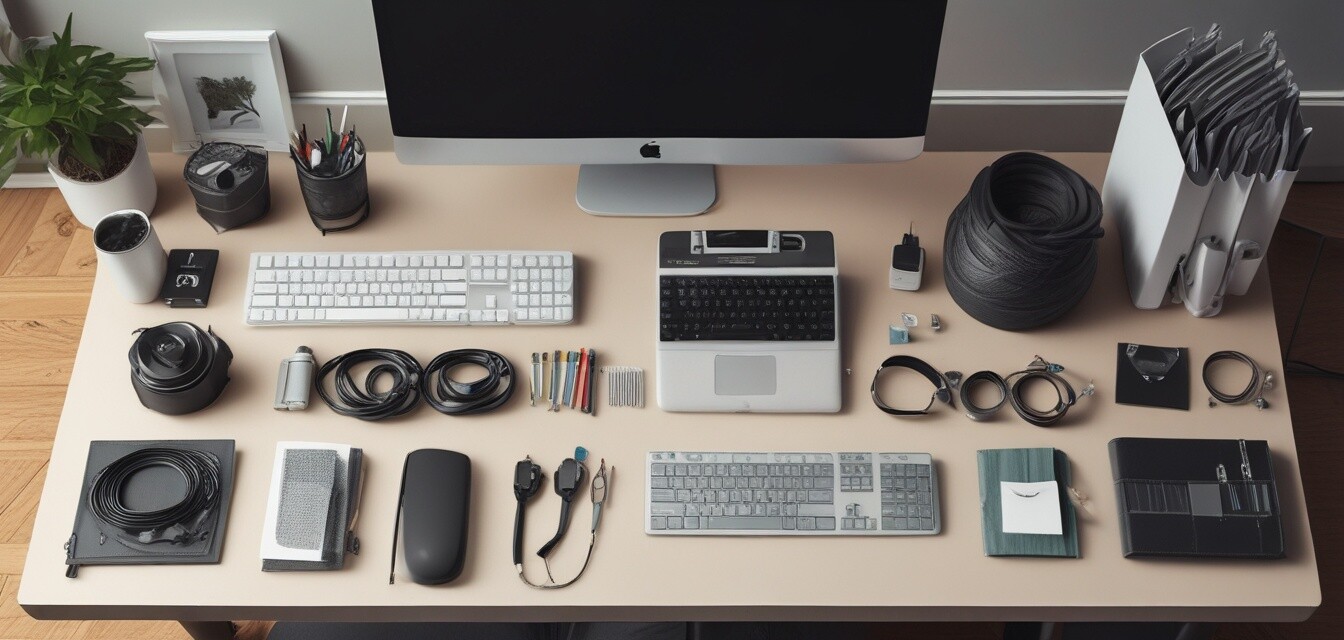
Best practices to keep your office cables tangle-free
Key Takeaways
- Identify cable types and choose appropriate organizers.
- Implement regular maintenance for a clutter-free workspace.
- Utilize multiple cable management tools for maximum efficiency.
- Establish a consistent organizational system tailored to your needs.
- Incorporate visual aids and labels to enhance cable visibility.
In today’s remote working environment, maintaining an organized workspace has become essential for productivity. Cable clutter can not only lead to distraction but also create safety hazards. In this guide, we’ll share best practices for keeping your office cables organized and tangle-free, ensuring your workspace promotes focus and efficiency.
Understanding cable clutter
Cable clutter is a common issue for home offices, especially with the increasing number of devices we use daily. Weak cable management can lead to tangled cords, making it challenging to find the right charger or connect devices quickly. Here’s a closer look at the most common types of cables found in home offices:
| Cable Type | Common Uses |
|---|---|
| USB cables | Charging and data transfer for devices |
| HDMI cables | Connecting monitors and televisions |
| Power cords | Powering devices |
| Ethernet cables | Wired internet connections |
Choosing the right cable organizers
The first step in managing your cables is selecting the right tools. Here are some common types of cable organizers to consider:
- Cable clips & holders: Great for keeping cables attached to surfaces and avoiding slips.
- Cable sleeves & covers: Ideal for bundling multiple cords for a cleaner appearance.
- Cable ties & straps: Best for securing loose cables together.
- Under-desk cable trays: Provides a neat foundation for managing cables out of sight.
Implementing organizing techniques
Once you have your organizers, the next step is to put them into action. Here are some techniques to keep your cables tangle-free:
1. Group similar cables
Categorize your cables by type, such as power cords, HDMI cables, and USBs. Use labeled clips or sleeves to keep them organized and easily accessible.
2. Use cable management kits
Cable management kits often come with multiple tools tailored for various needs. Consider using a kit to accommodate all your organizing requirements in one package.
3. Regular maintenance
Make it a habit to tidy up your cables regularly. Incorporate short organizing sessions into your weekly routine to maintain the effectiveness of your cable management system.
Creating a consistent organizational system
Your organization system should be practical and easy to follow. Consider the following tips:
- Establish dedicated spots for each type of cable.
- Keep frequently used cables within reach.
- Utilize clear labeling for easier identification.
Visual aids: Labels and colors
Using visual aids for cable management can greatly enhance your organizational efforts. Labeling cables helps quickly identify which is which without the frustration of disconnection. Additionally, consider using color-coded cables or sleeves to differentiate between cables visually.
Pros
- Reduces workplace distractions and promotes focus.
- Makes it easy to identify and access cables.
- Prevents wear and tear on cables by reducing tangles and stress.
- Enhances overall aesthetics of your workspace.
Cons
- Initial investment in organizers may be required.
- Time-consuming to set up initially.
- May require maintenance and adjustments as new cables are added.
Examples of effective cable management
Here are a few examples of effective cable management techniques that could work in your home office:
| Example | Description | Best For |
|---|---|---|
| Wall Cable Channels | Allows running cables along walls while keeping them hidden. | Minimalist setups |
| Magnetic Cable Organizers | Magnetically suspends cables, keeping them off desks. | Quick access needs |
| Cable Organizer Bags | Portable solution for storing and organizing cables on the go. | Frequent travelers |
Conclusion
Keeping your office cables organized and tangle-free is not just about aesthetics; it’s also about creating a workspace that promotes productivity and focus. By implementing the best practices outlined in this article, you can establish a systematic approach to managing your cords effectively. Remember, the key to a clutter-free space is consistency, so keep your organization efforts ongoing.
For more practical tips on workspace organization, check out our Practical Tips category. Explore various methods and tools to enhance your home office today!